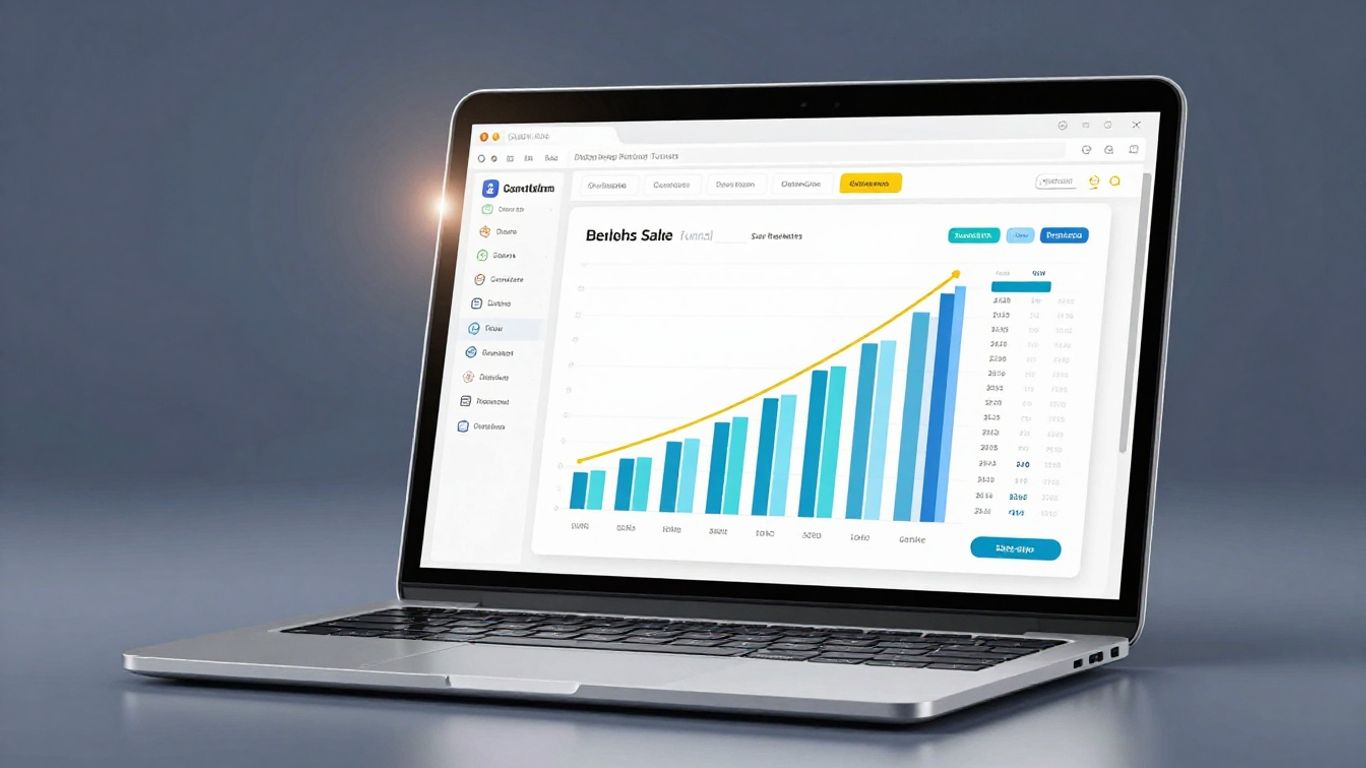
Building sales pages that actually work can feel like a puzzle. You want people to see your offer and think, 'Yes, I need that!' The GoHighLevel funnel builder, often just called the GHL funnel builder, is a tool that can really help with this. It's designed to make creating these pages simpler, even if you're not a tech whiz. We'll go over how to use its features to make pages that get results, turning visitors into customers.
Key Takeaways
- The GHL funnel builder offers a straightforward drag-and-drop system, making page creation accessible to everyone.
- Using pre-made GoHighLevel templates can speed up the design process, providing a solid foundation for your sales pages.
- To make pages convert, focus on one clear goal, write benefit-focused copy, and design strong calls-to-action.
- Advanced features like dynamic content and A/B testing within the GHL funnel builder help you fine-tune pages for better performance.
- Connecting your landing pages to other parts of the GoHighLevel system, like CRM and email automation, ensures a smooth customer journey and effective lead follow-up.
Understanding the GHL Funnel Builder's Core Strengths
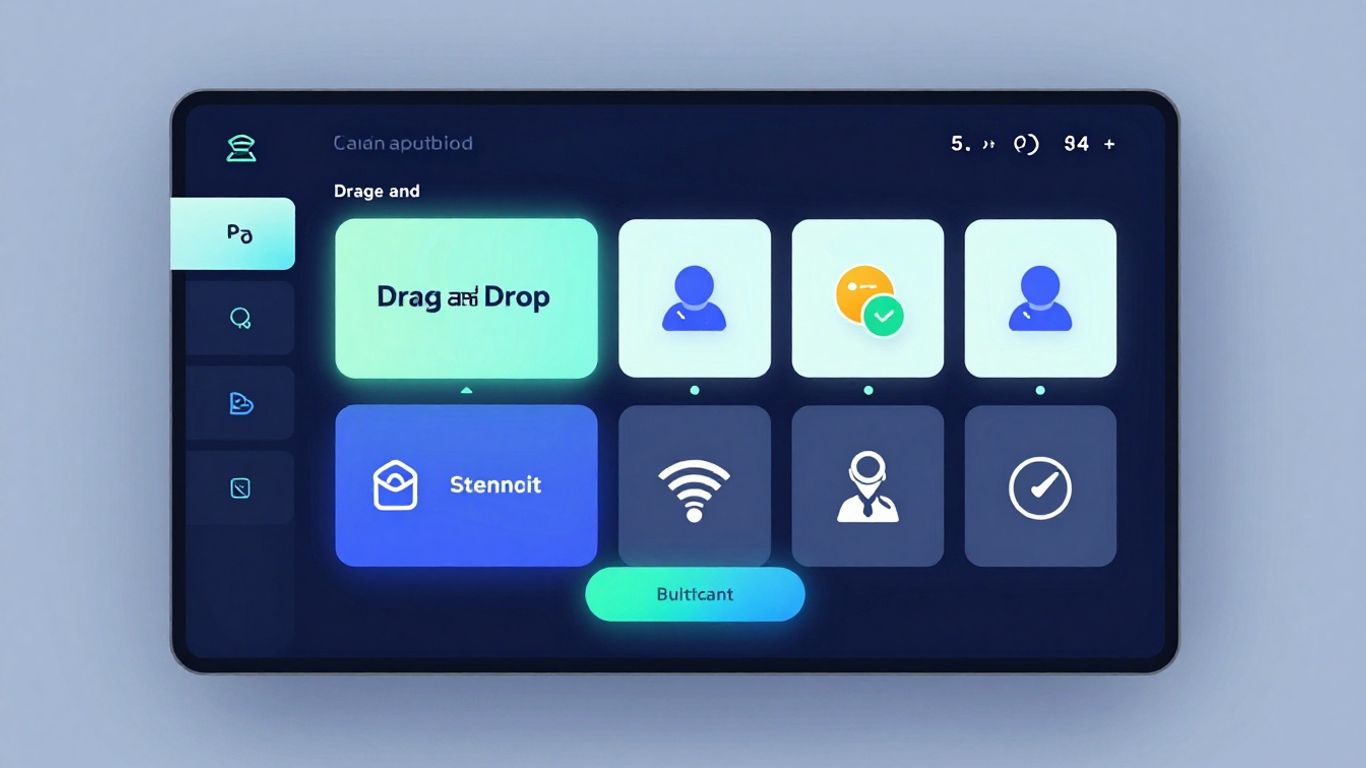
When you first start looking at the GoHighLevel funnel builder, you might be a bit overwhelmed by all the options. But honestly, it's designed to be pretty straightforward, even if you're not a tech wizard. The whole point is to make building pages that actually get people to do something – like sign up or buy – as easy as possible. It's all part of the bigger picture of what GoHighLevel can do for your business.
Leveraging the Drag-and-Drop Interface for Ease of Use
This is probably the biggest win for most people. Forget coding or needing a designer for every little change. The drag-and-drop system means you can literally pick up elements – like text boxes, images, or buttons – and move them around on your page. See something you don't like? Just click and drag it somewhere else, or delete it. It's that simple. You can adjust spacing, change fonts, and add your own pictures without ever touching a line of code. This makes tweaking your pages quick and painless, so you can focus on what you're selling.
Exploring the Power of Pre-Built GoHighLevel Templates
Starting from a blank page can be tough. That's where the templates come in. GoHighLevel has a bunch of pre-made designs for different kinds of businesses and goals. Whether you're selling a course, offering a service, or promoting an event, there's likely a template that's a good starting point. You don't have to reinvent the wheel. Pick a template that looks close to what you want, and then customize it to fit your brand and message. It saves a ton of time and gives you a professional look right out of the gate.
Unlocking Customization for Brand Alignment
While templates are great, you don't want your page to look exactly like everyone else's. The builder gives you a lot of control to make the page truly yours. You can change colors to match your logo, upload your own fonts, and adjust layouts so they feel right. It’s about making sure the page looks and feels like your business. This consistency is important because it builds trust with potential customers. When your page looks professional and matches your other marketing materials, people are more likely to feel confident doing business with you. It's all about making that connection and improving your close rate.
The goal is to create pages that not only look good but also guide visitors smoothly towards your desired action, making the entire process feel natural and persuasive.
Strategic Steps to Crafting High-Converting Pages
Alright, so you've got the GHL builder open and you're ready to make some magic happen. But just slapping some text and a button on a page isn't going to cut it. We need to be smart about this. Think of your landing page as a super focused salesperson. It has one job: get the visitor to take a specific action. Everything on that page needs to point towards that one goal.
Defining Your Page's Singular Conversion Objective
First things first, what do you actually want people to do when they land on this page? Are you trying to get them to sign up for a free trial? Download a guide? Book a demo? You can't try to do everything at once. Pick one main thing. This focus is what makes landing pages so effective compared to a regular website page. It cuts out all the noise and just guides people where you want them to go. It’s like telling someone exactly where to go instead of just pointing them towards a big city.
Writing Compelling Headlines and Benefit-Driven Copy
Your headline is the first thing anyone sees. It needs to grab their attention and tell them immediately what's in it for them. Forget being clever; be clear. What problem are you solving? What benefit are they going to get? After the headline, your copy needs to back it up. Don't just list features; explain the results those features provide. People care about what your offer can do for them, not just what it is. Use bullet points to make it easy to scan, because let's be honest, most people skim.
- Headline: Clearly state the main benefit or solution.
- Sub-headline: Add a bit more detail to draw them in.
- Body Copy: Focus on benefits, address pain points, and build trust with things like testimonials.
People are busy. They want to know quickly if you can help them. Make it obvious and easy for them to understand the value you bring to the table.
Designing Irresistible Calls-to-Action
This is where the magic happens – the Call-to-Action, or CTA. It's the button or link that tells people exactly what to do next. Make it stand out! Use a color that pops against the rest of your page. Use clear, action-oriented words like "Get My Free Guide" or "Start Your Trial Now." Don't hide it; put it where people can see it easily, ideally above the fold and then again further down the page. A strong CTA is the gateway to getting those leads.
Integrating High-Quality Visuals and Multimedia
Words are important, but visuals can really seal the deal. Use good quality images or videos that actually show what you're talking about or help explain the benefits. If you have some data, an infographic can be way easier to digest than a block of text. Just make sure everything looks like it belongs to your brand. Consistency is key here. It makes your page look professional and trustworthy, which is a big part of getting people to convert. For example, if you're selling a service, a short video explaining how it works can be super effective. You can even use these visuals to help with lead generation for your business.
Maximizing Conversions with Advanced GHL Features
Okay, so you've got a page built in GoHighLevel. That's great! But just having a page isn't going to magically bring in sales. You need to make it work harder for you. This is where the advanced features really come into play, turning a simple webpage into a conversion machine.
Implementing Dynamic Content and Personalization
Think about it: people respond better when something feels like it's just for them. Dynamic content lets you do exactly that. Instead of showing everyone the same generic message, you can tweak what they see based on what you know about them. Maybe they're coming from a specific ad, or you know their industry. You can swap out headlines, images, or even testimonials to match their situation. It makes your offer feel way more relevant, and that usually means more people take the next step. It's like having a personal sales assistant for every visitor.
- Use Custom Fields: Populate page elements with info from your CRM. If you know someone's business type, show them a testimonial from a similar business.
- Conditional Content: Show different sections or even entire pages based on visitor data. This takes a bit more setup but can be super effective.
Utilizing A/B Split Testing for Continuous Improvement
Guessing what works is a waste of time and money. GoHighLevel has a built-in A/B testing tool that's a lifesaver. You can create two versions of a page – say, one with a different headline or button color – and let GHL show each version to half your visitors. Then, you see which one actually gets more clicks or sign-ups. Don't try to test everything at once; focus on one change at a time. This way, you know for sure what made the difference. Keep testing, keep improving. It’s how you get those conversion rates climbing steadily over time. This is a key part of building high-converting sales systems [4cb3].
Here’s a quick look at how to approach it:
- Identify the element you want to test (e.g., headline, CTA button text, image).
- Create your variation (Version B).
- Set up the test in GoHighLevel, deciding what percentage of traffic goes to each version.
- Run the test until you have enough data to make a confident decision.
- Implement the winner and start planning your next test.
Ensuring Mobile Responsiveness for All Devices
Seriously, if your page looks terrible on a phone, you're losing a ton of potential customers. Most people browse on their mobile devices these days. GoHighLevel pages are generally pretty good at being responsive right out of the box, but you still need to check. Click through your page on a smartphone simulator or, even better, on your own phone. Make sure text is readable, buttons are easy to tap, and everything loads quickly. A clunky mobile experience is a fast track to a bounced visitor. It’s not just about looking good; it’s about making it easy for people to convert, no matter how they're viewing your page. This focus on data over guesswork is vital for marketing success in 2026 [1c06].
Mobile responsiveness isn't just a nice-to-have; it's a must-have. If your page isn't easy to use on a phone, people will leave. Period.
By using these advanced features, you're not just building a page; you're building a smart, adaptable sales tool that works harder to turn visitors into customers.
Seamless Integration Within the GoHighLevel Ecosystem
Building a great landing page is only half the battle, right? The real magic happens when that page starts talking to the rest of your marketing tools. GoHighLevel really shines here because it’s built as a complete system. You’re not just creating a standalone page; you’re connecting it to everything else.
Connecting Landing Pages to Upsell and Downsell Pages
Think about the journey your customer takes. After they sign up or buy something on your initial page, what’s next? You can easily link your landing page to other pages in your funnel. This means you can guide them straight to an upsell offer, or maybe a downsell if they hesitate. It’s all about keeping them moving forward without them having to think too hard about where to go next. This keeps the momentum going and can really boost your sales.
- Create a smooth flow: Guide visitors from one offer to the next.
- Increase average order value: Present relevant upsells at the right moment.
- Recover lost sales: Offer alternatives with downsell pages.
Automating Lead Nurturing with Workflow Triggers
Once someone fills out a form on your page, what happens? With GHL, you can set up automated workflows. This is where the real time-saving comes in. You can automatically add that new lead to your CRM, send them a welcome email, assign them to a sales rep, or even schedule a follow-up task. It means no lead gets forgotten. You can set up email sequences that nurture leads over time, building trust and keeping your business top-of-mind. It’s like having a marketing assistant working 24/7 for you.
Automating these initial steps ensures that every lead gets immediate attention, preventing potential customers from slipping away while you're busy with other tasks. This consistent follow-up is key to converting interest into actual business.
Integrating Forms for Effortless CRM Synchronization
Capturing information is the whole point of many landing pages, and GoHighLevel makes this super simple. You can build forms directly within the builder, and when someone fills one out, that information goes straight into your GoHighLevel CRM. No more manually copying and pasting data or dealing with messy spreadsheets. This real-time synchronization means your sales team always has the most up-to-date information. You can even use custom fields to gather specific details that help you segment your audience better, allowing for more targeted follow-up campaigns. It’s all about making the data work for you, not the other way around. This kind of integration is what helps local businesses boost their lead generation effectively.
Tracking Performance and Optimizing Your Funnels
So, you've built a slick-looking page and set up your offers. That's great! But how do you know if it's actually doing its job? This is where tracking and optimization come in. It’s not enough to just build it; you’ve got to watch it like a hawk and tweak it when needed. Think of it like tuning up a car – you want it running at its best, right?
Utilizing GoHighLevel's Built-in Analytics
GoHighLevel gives you a solid starting point with its own analytics dashboard. You can see basic stuff like how many people visited your page (page views) and how many actually took the action you wanted them to (conversion rates). It’s pretty straightforward and helps you get a general feel for how things are going. You can easily see which pages are getting traffic and which ones are converting visitors into leads or customers. This is your first look at what's working and what's not.
Integrating External Tracking Tools for Deeper Insights
While the built-in tools are good, sometimes you need to dig a bit deeper. That’s where connecting other services comes in handy. You can easily add things like Google Analytics or Facebook Pixels to your GoHighLevel pages. This lets you gather more detailed information about your audience and how they interact with your site. It’s like getting a second opinion from a specialist. For example, you might want to track specific events or understand where your traffic is coming from more precisely, which is where marketing automation can really shine.
Analyzing User Behavior with Heatmaps and Session Recordings
This is where things get really interesting. Tools like Hotjar (which you can integrate) show you exactly what users are doing on your page. Heatmaps visually represent where people click the most, how far they scroll, and where they tend to get stuck. Session recordings let you watch actual user sessions, like a mini-movie of someone interacting with your page. It’s incredibly useful for spotting confusing elements or areas where people might be dropping off unexpectedly. You might think your call-to-action button is obvious, but watching someone hunt for it can be a real eye-opener.
Don't just guess what your audience wants. Use the data available to understand their actual behavior. This insight is gold for making smart improvements that actually impact your results. It’s about making informed decisions, not just random changes.
Here’s a quick look at what you might track:
- Page Views: How many times your page has been seen.
- Conversion Rate: The percentage of visitors who complete your desired action.
- Bounce Rate: The percentage of visitors who leave after viewing only one page.
- Time on Page: How long visitors spend on your page.
- Traffic Sources: Where your visitors are coming from (e.g., social media, search engines, direct).
By consistently monitoring these metrics and using the insights to make adjustments, you can continuously improve your funnel's performance and drive better results over time. It’s an ongoing process, not a one-and-done task.
Want to see how well your sales process is working? We can help you check your performance and make your sales funnels even better. Visit our website to learn more about how we can boost your business!
Wrapping It Up
So, we've gone through how to build pages that actually work using the GoHighLevel builder. It’s not just about slapping some text and a picture on a page; it’s about making that page do the heavy lifting for your business. By focusing on what the visitor needs and making it super easy for them to take the next step, you turn those clicks into actual leads and sales. GoHighLevel gives you all the tools to do this, from templates to testing. Just keep tweaking, keep watching what happens, and you'll see those numbers go up. It’s a process, for sure, but totally worth it.
Frequently Asked Questions
What makes a landing page convert visitors into customers?
To get people to take action, your landing page needs a clear goal. A catchy headline that grabs attention, words that explain how your offer helps them, great pictures or videos, and a button that tells them exactly what to do next are super important. Also, make sure it looks good on phones and is easy to use. Testing different parts of your page helps you find out what works best.
How do I build a landing page using GoHighLevel?
Inside GoHighLevel, go to the 'Sites' section and choose 'Funnels' or 'Websites'. You can pick a ready-made design from their templates or start with a blank page. Use the drag-and-drop tools to add text, pictures, and forms. Make sure it looks good on phones and tablets, and then connect it to your marketing tools.
What's the best way to get more people to take action on my landing page?
Try testing different headlines, buttons, and page layouts to see what gets the best results. Make sure your page works perfectly on phones. Keep your forms short and easy to fill out. Adding positive comments from other customers can also help. Speeding up how fast your page loads is another good trick.
Can I make my landing pages show different things to different people?
Yes! GoHighLevel lets you show custom messages or offers based on who is visiting. For example, if you know what business someone is in, you can change the words on the page to fit their industry. This makes your offer feel more personal and can lead to more people signing up or buying.
Why is testing different versions of my landing page important?
Testing, also called A/B testing, helps you make smart decisions instead of guessing. You can show one version of your page to half your visitors and another version to the other half. Then, you see which one gets more people to do what you want. You can test things like headlines, button colors, or images to find out what works best.
How does GoHighLevel help connect my landing page to other parts of my business?
GoHighLevel is great because everything works together. When someone fills out a form on your landing page, GoHighLevel can automatically add them to your contact list, send them a welcome email, or even assign them to a salesperson. You can also link your landing page to pages where you offer more products or special deals.