Running a small business means wearing a lot of hats. You're the CEO, the sales team, the marketing department, and sometimes even the IT support. It's a lot. But what if you could get some of that time back? What if you could make sure no lead slips through the cracks or that your customers always feel looked after? That's where follow-up automation for small businesses comes in. It's not about fancy tech for big corporations; it's about smart tools that help you work better and grow faster, right now.
Key Takeaways
- Automating tasks like lead capture, follow-up reminders, and pipeline updates can seriously speed up your sales process.
- Using automation for things like support confirmations and personalized recommendations makes your customers happier.
- Automated workflows for social media and email campaigns help your marketing efforts reach more people without extra work.
- Streamlining operations with automated invoicing and financial reports saves time and reduces errors, freeing up resources.
- Implementing follow-up automation for small businesses is a smart way to prepare for growth, handle more work, and build a more predictable income.
Streamline Your Sales Pipeline with Automation
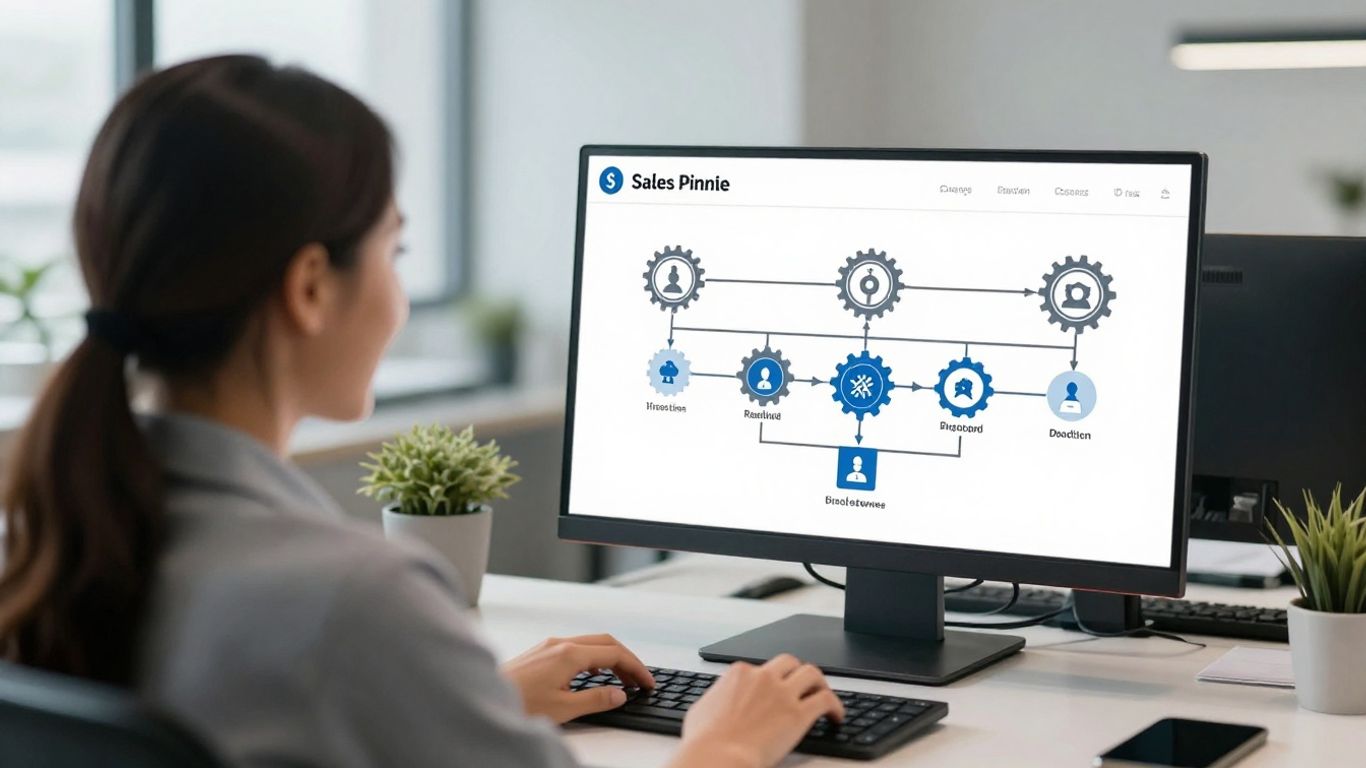
Let's talk about making your sales process actually work for you, not against you. You know how it is – leads come in, some get followed up on, others... well, they just sort of disappear into the ether. It's a common problem, and honestly, it's costing businesses money. Automation is the key to stopping those valuable prospects from slipping away.
Think about your current sales pipeline. How many steps are there? How many of those steps involve someone on your team doing the same repetitive task over and over? Things like logging calls, sending follow-up emails, or updating a spreadsheet. It’s not exactly the most exciting part of the job, is it? And worse, it takes time away from what your sales reps are actually good at: talking to people and closing deals.
Automate Lead Capture and Routing
When a new potential customer shows interest, whether it's through your website, a social media ad, or a referral, the clock starts ticking. You need to capture that lead and get it to the right person on your team, fast. Automation can handle this. Imagine this: someone fills out a "contact us" form on your website. Instead of someone manually checking emails and assigning it, an automated system can instantly add them to your CRM, assign them to a salesperson based on territory or product interest, and even send out a quick, personalized welcome email. This means no more leads going cold while you're busy with other things. It’s about making sure every single inquiry gets the attention it deserves right from the start. This kind of immediate engagement is a big part of automated lead nurturing.
Implement Automated Follow-Up Reminders
Okay, so you've captured the lead and assigned it. What's next? Following up. This is where many sales processes stumble. It's easy to get busy, forget a follow-up, or just not know when the right time is. Automation can set up smart reminders for your sales team. You can configure rules like "If a prospect hasn't responded to an email in three days, create a task for the rep to call them." Or, "If a deal has been in the 'Proposal Sent' stage for a week, remind the AE to check in." These aren't just generic nudges; they're context-aware prompts that help your team stay on top of every opportunity without having to manage a complex to-do list themselves.
Enhance Pipeline Management with Rule-Based Updates
Your sales pipeline is a living thing, and deals move through different stages. Manually updating these stages and all the associated data can be a real pain. Automation can simplify this dramatically. You can set up rules that automatically move a deal to the next stage once a certain action is completed. For example, if a contract is signed in your CRM, the deal stage can automatically update to "Closed Won." Or, if a demo is completed, it might automatically move to "Follow-Up Required." This not only saves time but also keeps your pipeline data accurate for forecasting and reporting. It creates a more organized and efficient flow, reducing the chance of errors and keeping everyone on the same page.
The goal here isn't to replace your sales team with robots. It's about giving them superpowers. By taking away the tedious, manual tasks, you free up your reps to do what they do best: build relationships, understand customer needs, and ultimately, close more sales. It’s about making your sales process smarter, faster, and more reliable.
Elevate Customer Experience Through Automation

In today's market, just having a good product or service isn't always enough. What really makes customers stick around is the experience you give them. Automation can help make that experience consistently great, even when things get busy.
Deliver Instant Support Confirmations
Think about the last time you sent a message to a company and then just waited, wondering if anyone even got it. It’s not a great feeling, right? With automation, you can stop that worry for your customers. The moment someone sends in a support request or a question, an automated system can immediately send them a confirmation email. This email can include a ticket number and a realistic idea of when they can expect a full response. It’s a small thing, but it shows you’re organized and that their message didn’t just vanish.
Automate Personalized Customer Recommendations
People like feeling like you know them. Automation makes it possible to offer that personal touch to everyone, not just a select few. By looking at what a customer has bought before or what they’ve shown interest in, you can automatically send them suggestions for other products they might like. Or maybe it’s a special discount on their birthday. These little gestures make customers feel appreciated and can really build loyalty.
Gather Feedback with Automated Surveys
How do you know if your customers are happy? Asking them is key, but doing it manually takes a lot of time. Automation can handle this for you. A week or so after a customer has made a purchase or their support issue has been resolved, you can set up an automated email to go out asking for their feedback. This could be a quick rating or a short survey. It’s a simple way to collect honest opinions that can help you improve your business without adding more work to your plate.
Automation in customer service isn't about being impersonal; it's about being reliably present and responsive. It handles the routine acknowledgments and follow-ups so your team can focus on solving complex problems and building genuine connections when it matters most.
Boost Marketing Efficiency with Automated Workflows
Marketing is essential for growth, but for small teams, it’s often the first area to get stretched thin. Manual posting schedules, fragmented tools, and inconsistent campaign tracking make it hard to stay visible and competitive. Automation features can help marketing scale by:
- Schedule Social Media Content Consistently
Posting fresh content across multiple platforms every single day is a serious time commitment. Automation tools can change the game, allowing you to schedule all your content weeks or even months ahead of time, keeping your brand visible and consistent. You can also analyze performance data to figure out the absolute best times to post for maximum reach. - Nurture New Leads with Email Sequences
Instead of manually sending a welcome message every time someone signs up for your newsletter, you can set up an automated workflow. The moment a new person subscribes, a carefully crafted email sequence kicks off, nurturing that new lead and building trust on autopilot. This keeps your brand top-of-mind without you having to lift a finger each time. This is a great way to build a scalable lead generation system. - Track Campaign Performance Automatically
Keeping an eye on brand mentions and keywords, so you can jump into important conversations as they happen, is also key. By automating these marketing basics, you free up your people to focus on the fun stuff—creative strategy and big-picture campaigns that actually move the needle. This type of automation saves time and keeps outreach consistent, giving marketing and sales better visibility into what’s working.
By automating these marketing basics, you free up your people to focus on the fun stuff—creative strategy and big-picture campaigns that actually move the needle.
Optimize Operations and Finance with Automation
Running a small business means juggling a lot, and sometimes the back-office stuff like finances and keeping things running smoothly can feel like a constant uphill battle. But what if you could make those tasks a whole lot easier? Automation isn't just for the big guys anymore; it's a game-changer for small businesses looking to get more done with less stress.
Automate Invoice Generation and Sending
Think about how much time you spend creating and sending out invoices. It's a necessary part of getting paid, but it can eat up valuable hours. Automated invoicing systems can take this burden off your shoulders. You set up the templates, the payment terms, and the customer details, and the software does the rest. It can generate invoices automatically based on completed projects or recurring services, and then send them out to your clients on schedule. This means fewer late payments because your invoices go out on time, every time.
- Key Benefit: Get paid faster and reduce manual data entry errors.
- Process: Define invoice templates, set up customer information, and schedule automatic generation and delivery.
- Impact: Frees up your time for more strategic tasks and improves cash flow.
Streamline Financial Reporting with Templates
Keeping track of your business's financial health is super important, but digging through spreadsheets can be a headache. Automation can simplify financial reporting significantly. By using pre-built templates or setting up automated data collection, you can get clear, up-to-date reports without all the manual work. This means you can see how your business is doing at a glance, making it easier to spot trends, identify areas for improvement, and make smarter decisions.
- Real-time Dashboards: Get an instant view of key financial metrics.
- Automated Data Consolidation: Pulls information from various sources without manual input.
- Customizable Reports: Tailor reports to show exactly what you need to see.
Automating financial reporting transforms a tedious chore into a powerful tool for business insight. It allows you to move from reactive problem-solving to proactive strategy, based on accurate, timely data.
Ensure Compliance with Automated Alerts
Staying compliant with regulations and internal policies can be tricky, especially as your business grows. Automation can help by setting up alerts for important deadlines or potential issues. For example, you can get reminders for tax deadlines, license renewals, or when inventory levels are running low, which could lead to compliance problems if not addressed. These automated nudges help prevent costly mistakes and keep your business running smoothly and legally.
- Deadline Reminders: Never miss an important date for taxes, licenses, or contract renewals.
- Threshold Alerts: Get notified when key metrics (like stock levels or budget limits) are approaching critical points.
- Policy Checks: Automated systems can flag transactions or activities that might go against company policy.
Building Scalable Growth with Follow-Up Automation
As your small business grows, the manual tasks that once felt manageable can quickly become overwhelming. This is where building a foundation for scalable growth through automation becomes really important. Think about it: what works for ten clients might completely fall apart when you have a hundred. Automation creates systems that can handle more volume without needing more of your time or staff.
Prepare Your Business for Scaling
Scaling means handling more leads, more customers, and more transactions without your operations grinding to a halt. Automation is the engine that allows this. Instead of manually chasing down every new lead or sending individual follow-up emails, automated workflows can manage hundreds of interactions simultaneously. This means you can increase your customer base without getting bogged down in administrative work. It's about building a business that can expand smoothly and sustainably.
Manage Higher Volumes Without Increased Effort
Manual processes are fine when you're small, but they don't scale. Imagine trying to send personalized follow-up emails to 500 new leads every month by hand. It's just not feasible. Automated workflows, however, can do this with ease. A system can instantly capture a new lead from your website, assign it to a sales rep, and send a tailored follow-up email, all without anyone lifting a finger. This frees up your team to focus on building relationships and closing deals, rather than getting lost in repetitive tasks. For instance, setting up automated appointment booking can stop endless email chains and let customers pick a time that works for them directly from a link. This kind of efficiency is key to managing growth.
Achieve Predictable Revenue Growth
Automation doesn't just help with volume; it also makes your revenue more predictable. When you have consistent, automated follow-up processes in place, you reduce the chances of leads falling through the cracks. This means more consistent sales. Automated nurture sequences can keep prospects engaged over time, moving them through the sales funnel at a steady pace. Furthermore, by tracking campaign performance automatically, you get clear insights into what's working, allowing you to optimize your efforts and budget more effectively. This data-driven approach leads to more reliable revenue streams. You can even automate invoice generation and sending, ensuring timely payments and improving cash flow. For businesses looking to streamline their operations, exploring options like recurring purchases can also contribute to a more stable financial outlook.
Implementing Follow-Up Automation for Small Businesses
Thinking about adding automation to your business can feel a bit much, like looking at a huge mountain and not knowing where to start. But here’s the good news: you don't have to tackle it all at once. The smartest way for a small business to get into automation is to pick one simple, doable task that gives you a clear win. This isn't about a massive, disruptive change to your whole company. It's about choosing one important process, getting it right, and using that success to build momentum for the next step.
Identify Your Biggest Workflow Bottlenecks
Before you even look at any software, grab a notebook. Your first job is to figure out the most annoying, repetitive, time-sucking task in your day-to-day work. Where does your energy consistently get drained on things that don't really move the business forward? This is your "bottleneck." It's that one process that, if you could just fix it, would free up a good chunk of your time. For many of us, it's something like:
- Manually creating and sending invoices, one by one.
- Answering the same customer questions over and over.
- Painstakingly updating a customer relationship management (CRM) system or spreadsheet.
The key is to start with your most repeatable workflows, like sending out regular social media posts or newsletters, and build from there. Over time, these small automations can lead to better customer engagement and a stronger sales pipeline. It’s about finding ways to work smarter, not just harder.
Start with a Single, Manageable Process
Once you've identified your biggest bottleneck, focus on automating just that one thing. Don't try to fix everything at once. For example, if sending invoices is taking too long, look into tools that can automatically generate and send them based on project completion or recurring billing. This focused approach makes the implementation process much less intimidating and increases your chances of success. It’s about picking one high-impact process and getting it right. This approach helps you build a sales funnel to attract and convert customers more effectively.
Launch, Learn, and Refine Your Automation
After you've chosen your first process and set up the automation, it's time to put it into action. But don't roll it out to everyone immediately. Start with a small group or a limited scope. This pilot test lets you see what might go wrong without causing major disruption. Ask your team for their thoughts. Is the automation working as expected? Is it actually saving them time? Use their feedback to make small adjustments and improve the workflow. This cycle of launching, learning, and improving is how you make automation work best for your business.
Choosing the Right Automation Tools
Picking the right software for your automation efforts can feel a bit overwhelming, like walking into a giant store with too many options. You know you need something, but with so many tools out there, it's easy to grab the wrong one. Getting it wrong doesn't just waste time; it can lead to unexpected costs, create new problems, and actually slow down your growth.
So, how do you pick a tool that actually fits your business? It's not about finding the one with the most flashy features. It's about finding the tool that works for your specific needs, your budget, and how comfortable your team is with new technology. The best tool is the one your team will actually use.
Prioritize User-Friendliness for Team Adoption
Let's be real, if your team finds the software confusing or difficult to use, they just won't use it. Look for platforms with a clean, straightforward design. Many tools now offer "no-code" or "low-code" options, which means you don't need to be a tech wizard to set things up. This makes it much easier for everyone to get on board and start automating tasks without needing a programmer.
Evaluate Integration Capabilities
Your business likely already uses several different software programs – your email, your customer relationship manager (CRM), your accounting software, maybe even a project management tool. Your new automation tool needs to work well with these existing systems. If a tool can't "talk" to your other software, it creates separate data silos that you'll have to manage manually, which defeats the purpose of automation. You want a tool that connects everything smoothly, like how a self-booked appointments system can link with your calendar.
Select Tools That Fit Your Budget and Needs
When looking at tools, think about what you need now and what you might need in the future. Can the platform grow with your business? What happens when you need more complex workflows or have more customers? You want a tool that can handle your growth, not just a temporary fix. Also, watch out for hidden fees. Look for simple pricing models. Many tools have free or affordable starter plans, which are great for trying things out before you commit to a bigger investment. It's often better to start with a simple, intuitive tool that meets your current needs rather than a complex one you might not fully use.
Here’s a quick look at what to consider:
- Simplicity: How easy is it to build a basic automation? How much new jargon do you need to learn?
- Capabilities: Can it handle your current tasks and also support more complex needs as you grow?
- Cost: Are there hidden fees? Does the pricing model make sense for your budget?
- Support: What kind of help is available if you get stuck?
Choosing the right automation tool is about finding a partner for your business's growth. It should simplify your work, not add to your workload. Start by identifying the most repetitive tasks that drain your team's energy. Automating these can free up valuable time for more strategic work, making jobs more meaningful and less about drudgery.
Picking the best tools to automate your work can seem tricky. You want something that makes your job easier, not harder. Think about what you need to get done and find a tool that fits perfectly. Ready to see how easy it can be? Visit our website to find the perfect automation solution for you!
Putting Automation to Work for You
So, we've talked a lot about how automation can really change things for a small business. It's not some fancy tech thing just for big companies. It's about making your day-to-day work smoother, saving you time, and making sure you don't miss out on chances to connect with customers or leads. Think of it as giving your business a helpful assistant that handles the repetitive stuff so you can focus on what you do best. Start small, pick one area that's causing you headaches, and get it automated. You'll be surprised how much of a difference even one automated process can make. From there, you can build, making your business more efficient and ready for whatever comes next. It’s about working smarter, not just harder.
Frequently Asked Questions
What exactly is follow-up automation?
Think of it like having a super-helpful assistant who remembers to send messages for you. Follow-up automation means setting up your computer or software to automatically send emails, reminders, or other messages to people at the right time. It helps you stay in touch without you having to do it all yourself, like when a new customer signs up or after you've had a meeting.
Why should a small business use automation for follow-ups?
Small businesses often have a lot to do with not many people. Automation saves tons of time by handling repetitive tasks, like sending welcome emails or checking in after a sale. This means you and your team can focus on more important things, like talking to customers or coming up with new ideas, instead of getting stuck doing the same old tasks over and over.
Can automation really help me get more sales?
Absolutely! When you automate follow-ups, you make sure no potential customer gets forgotten. Imagine someone asks about your product – automation can send them more info right away and remind you to call them later. This keeps them interested and makes it more likely they'll buy from you, which means more money for your business.
Is it hard to set up automation for my business?
It can seem tricky at first, but many tools are made to be super easy to use, even if you're not a tech whiz. The best way to start is by picking just one thing to automate, like sending a thank-you email after someone buys something. Once you see how well that works, you can add more steps later.
What kind of tasks can I automate?
Lots of things! You can automate sending welcome emails to new subscribers, reminding people about upcoming appointments, sending out customer surveys after they've used your service, or even posting updates on social media. Basically, any task you do over and over again is a good candidate for automation.
Will automation make my business feel less personal?
Not at all! Good automation actually helps you be *more* personal. By handling the routine stuff, you have more time to create truly special messages or have meaningful conversations. Plus, you can use automation to send personalized offers or birthday wishes, making customers feel extra special and valued.