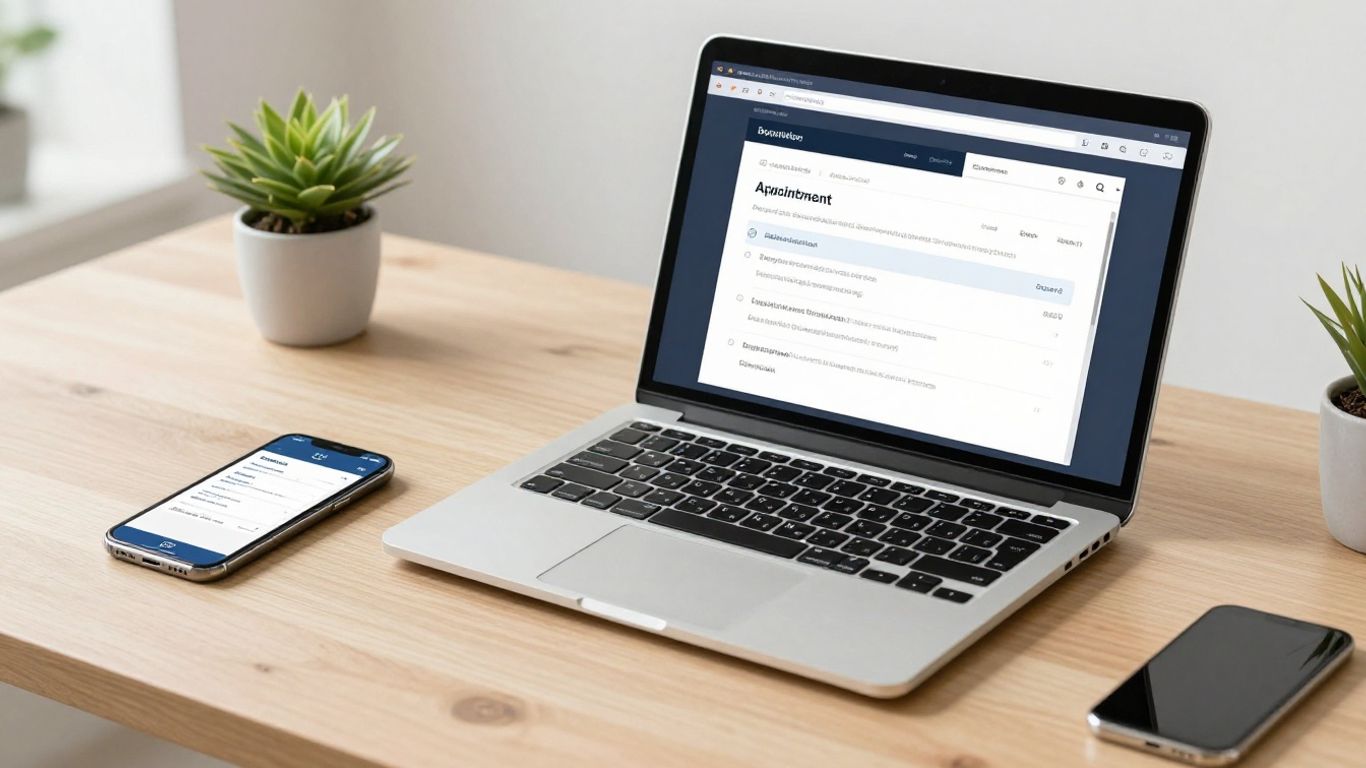
Running a local business means juggling a lot. You're probably busy with clients, managing staff, and trying to keep everything running smoothly. One area that can eat up a ton of time is scheduling appointments. If you're still doing it the old-fashioned way, with phone calls and emails back and forth, it's time for a change. An appointment booking system for local businesses can really make a difference. It's like having a virtual assistant who handles all the scheduling so you can focus on what you do best.
Key Takeaways
- An appointment booking system helps clients schedule themselves 24/7 and sends automated reminders, cutting down on back-and-forth emails and calls.
- Using an appointment booking system for local businesses can make your operations smoother and save you time.
- Look for features like calendar syncing, easy payment options, and customizable booking pages when choosing software.
- Properly setting up and promoting your online booking system is key to getting clients to use it.
- A good booking system can help you get more clients and keep your current ones happy by making the process easy.
Understanding The Core Benefits Of An Appointment Booking System
Let's face it, running a local business means juggling a million things. One of the biggest time sinks? Scheduling appointments. If you're still doing it the old-fashioned way – phone calls, endless emails, scribbled notes – you're probably losing time and maybe even customers. An appointment booking system is designed to fix that. It takes the headache out of managing your schedule so you can focus on what you do best.
Streamlining Client Scheduling Processes
Think about the back-and-forth emails or phone calls just to find a time that works for both you and a client. It’s exhausting. With an online booking system, clients can see your availability in real-time and pick a slot that suits them. This self-service approach means fewer phone calls, less chance of double-booking, and a much smoother experience for everyone. It’s like giving your clients a direct line to your calendar, but with guardrails.
Reducing Administrative Workload
Manual scheduling eats up valuable staff time. Every appointment booked, rescheduled, or canceled takes someone away from serving customers or handling other important tasks. An automated system handles all of this. Confirmations, reminders, even collecting basic client info – it all happens without you lifting a finger. This frees up your team to handle more complex issues or simply provide better service. Imagine what your business could do with an extra few hours back each week. For businesses looking to automate customer interactions and manage leads more effectively, exploring options for AI follow-up can be a game-changer.
Enhancing Customer Experience
Today’s customers expect convenience. They want to book appointments easily, 24/7, from their phone or computer. If your booking process is clunky or time-consuming, they might just go somewhere else. A good booking system offers a clean, user-friendly interface that makes scheduling a breeze. Automated reminders also cut down on missed appointments, which is frustrating for both you and the client. It shows you respect their time and are organized, building trust and encouraging repeat business. This kind of efficiency can be seen in various service industries, from salons to repair shops, and even in how businesses manage supplies like floor care products.
Key Features To Look For In Scheduling Software
When you're looking for software to handle your appointments, it's not just about finding something that books time. You want a system that really works for you and your customers. Think about what makes booking a hassle right now, and then look for features that fix those problems.
Calendar Synchronization Capabilities
This is a big one. You don't want to be checking your personal calendar, your work calendar, and then the booking software separately. Good software syncs up with your existing calendars, like Google Calendar or Outlook. When someone books an appointment, it automatically shows up on your main calendar, and importantly, it blocks off that time so no one else can book it. This stops those awkward double bookings that can really mess up your day. It's all about having one central place where your schedule is accurate, no matter where you look. This kind of integration is key for keeping your schedule organized.
Integrated Payment Processing Options
If you take payments for your services, having this built right into the booking system is super convenient. Instead of sending a separate invoice or asking for payment at the time of service, clients can pay when they book. This can help reduce no-shows because people are more likely to show up when they've already paid. It also speeds up your payment process. You can set it up so that payment is required to confirm the booking, or maybe just a deposit. It really depends on what works best for your business model.
Customizable Booking Pages And Widgets
Your booking system should look like it belongs to your business, not like a generic form. Customizable pages mean you can add your logo, brand colors, and even specific questions you need to ask clients before they book. You can often embed these booking forms directly onto your website using widgets. This makes it easy for clients to book right from your site without going somewhere else. It makes the whole process feel more professional and tailored to them.
Automated Reminders And Notifications
How many appointments have you or your clients missed over the years? It happens. Automated reminders are a lifesaver. The system can send out emails or text messages to both you and your client before the appointment. You can usually set how far in advance these go out – maybe a day before, or an hour before. This simple feature can drastically cut down on missed appointments, saving you time and lost income. It's a smart way to use follow-up automation to keep everyone on track.
The best scheduling software makes things easy for both you and your customers. It should handle the repetitive tasks so you can focus on running your business and serving your clients. Look for features that simplify the booking process, keep your schedule accurate, and reduce the chances of missed appointments.
Choosing The Right Appointment Booking System For Your Business
So, you've decided an appointment booking system is the way to go. Great! But now comes the part where you actually pick one. It can feel a bit overwhelming with so many options out there, each promising to be the best. Don't sweat it, though. We just need to figure out what actually matters for your business.
Evaluating Ease of Use For Staff and Clients
First things first, think about who's going to be using this thing. Is it just you, or do you have a team? And more importantly, how tech-savvy are your clients? A system that's a nightmare for your staff to learn or for your customers to navigate will just create more problems than it solves. Look for something with a clean interface. For your clients, it should be as simple as picking a service, seeing available times, and clicking to book. If it takes them more than a minute or two, they might just give up and call, which defeats the whole purpose. A truly good system should feel intuitive for everyone involved.
Assessing Customization and Branding Options
Your business has a look and feel, right? You don't want your booking system to look like it belongs to some generic company. Most good systems let you tweak things to match your brand. This could mean adding your logo, changing colors, or even writing custom text for confirmation emails. It’s about making the booking process feel like a natural extension of your business. Some systems even let you create a dedicated booking page that looks like a part of your own website, which is pretty neat. This professional touch can really make a difference in how clients perceive your business. You can even share your booking link on social media and in your email signatures to make it easy for people to find your booking page.
Considering Affordability and Scalability
Let's talk money. Appointment booking systems range from free to pretty pricey. If you're just starting out, a free or low-cost option might be perfect. Many offer basic features that get the job done. However, think about the future. Will this system grow with your business? If you plan to add more staff or services, you'll need a system that can handle that without a huge jump in cost or complexity. It’s a balancing act. You want something that fits your budget now but won't hold you back later. Some platforms offer tiered pricing, so you can start small and upgrade as needed. This flexibility is key for businesses that are still finding their feet or expecting rapid growth. It's also worth checking if they offer features like missed call text back automation, which can be a lifesaver for capturing leads when you're busy.
When picking a system, don't get swayed by a million bells and whistles you'll never use. Focus on the core features that will actually save you time and make booking easier for your customers. Think about what problems you're trying to solve and find a tool that directly addresses them.
Implementing An Appointment Booking System Effectively
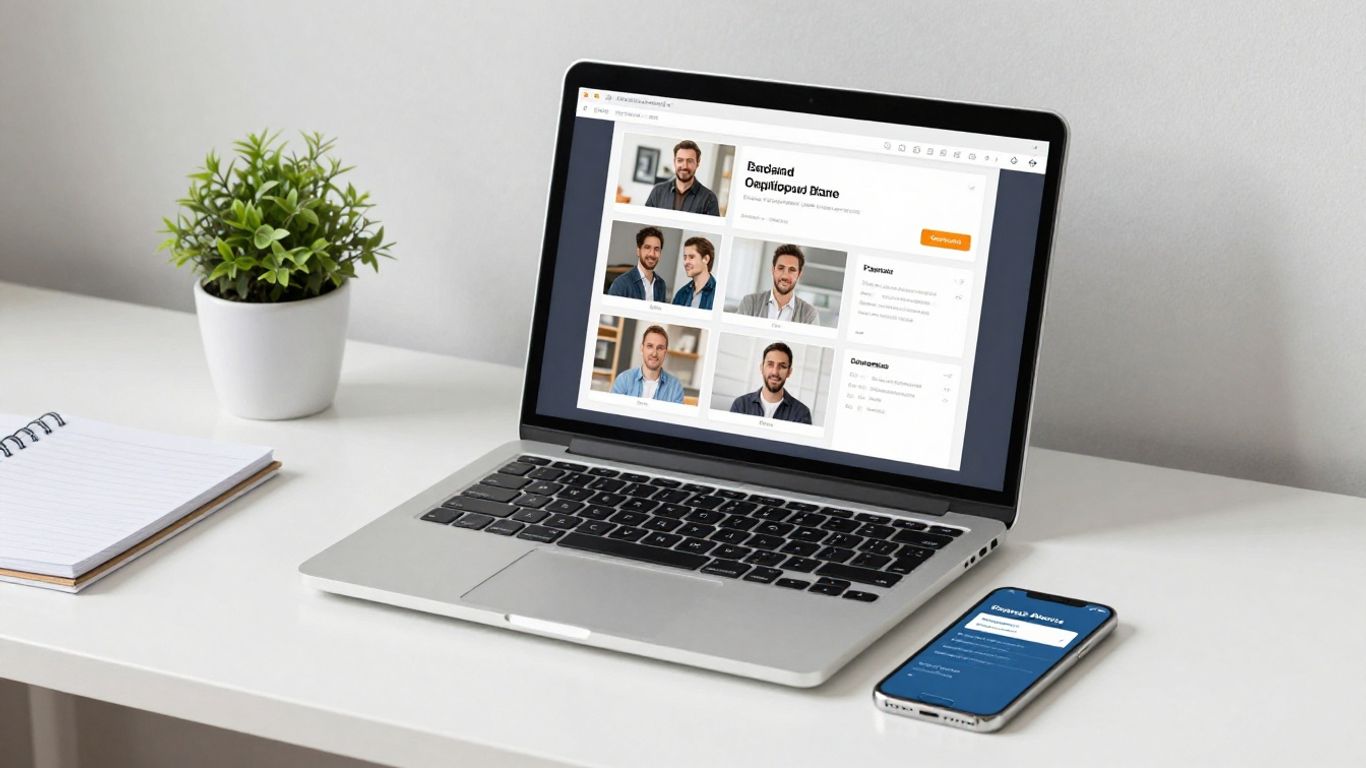
So, you've picked out the perfect appointment booking system for your business. That's great! But just having the software isn't the whole story. You've got to actually get it working smoothly for you and your customers. It’s not just about plugging it in and forgetting about it; there’s a bit of setup and promotion involved.
Integrating With Your Existing Website
Making sure your new booking system plays nice with your current website is a big step. Most systems offer what's called an embeddable widget. Think of it like a little window into your booking calendar that you can place right on your site. This means clients don't have to leave your website to book an appointment, which is super convenient for them and keeps them engaged with your brand. You can usually pop this widget onto your contact page, services page, or even your homepage. It’s about making the booking process feel like a natural part of your online presence. Some systems also let you create a dedicated booking page that you can link to directly, which is another straightforward way to get people scheduling.
Promoting Your New Online Booking Options
Once the system is integrated, you can't just expect people to find it. You need to tell them it's there! Start by adding a clear call-to-action button on your website, like "Book Now" or "Schedule Appointment." Don't forget your social media profiles; update your bio links and make posts announcing the new, easier way to book. Email signatures are another easy win – just add a link to your booking page. If you're running any online ads, make sure they point directly to your booking page. Think about how you can use Facebook ads to reach new customers looking for your services. The more visible you make it, the more people will use it.
Training Your Team On System Usage
Your staff are the front line, so they need to be comfortable with the new system. Schedule a dedicated training session. Show them how to view appointments, manage the calendar, and handle any client-specific notes. It’s also important they understand how the system helps reduce administrative tasks, like answering repetitive scheduling questions. Make sure they know how to troubleshoot common issues or who to contact if they get stuck. A well-trained team means a smoother experience for everyone, from the booking itself to the actual service.
Getting your team on board is key. If they understand the benefits and know how to use the system confidently, they can help guide customers and make the transition much easier. It turns a new tool into a team asset.
Here’s a quick rundown of what to cover in training:
- Viewing and managing appointments: How to see daily, weekly, and monthly schedules.
- Client information: Accessing client details and appointment history.
- Handling cancellations and reschedules: The correct procedure within the system.
- System updates: How to block off personal time or indicate service unavailability.
- Customer support: Knowing where to find help if they encounter problems.
Leveraging Your Booking System For Business Growth
So, you've got this appointment booking system humming along, making things easier for everyone. But did you know it can actually help your business grow? It's not just about scheduling anymore; it's a tool that can bring in new customers and help you understand the ones you already have.
Attracting New Leads Through Online Accessibility
Think about it: people are searching online for services like yours all the time. If they can't easily find a way to book an appointment with you, they'll probably just go to the next business that makes it simple. Having your booking link out there on your website, social media profiles, and even in your email signature means you're open for business 24/7. This makes it super easy for potential clients to see your availability and book a time that works for them, without having to call during business hours. It's like having a salesperson working around the clock for you. You can even create posts and ads that highlight what you do and directly link to your booking page, making the whole process smooth from discovery to appointment.
Utilizing Data For Service Improvement
Your booking system collects a lot of information, and if you look at it, you can learn a ton. Most systems give you reports on things like which services are booked the most, what times of day are busiest, and even where your bookings are coming from. This data is gold. For example, if you see that a particular service is always booked solid, maybe it's time to offer more slots or even add a related service. Or, if you notice a dip in bookings on certain days, you could run a special promotion to fill those gaps. This kind of insight helps you make smarter decisions about your services and how you market them, moving away from guesswork and towards data-driven improvements. It's a way to make your business better based on what your customers are actually doing. This approach helps businesses achieve smarter booking objectives and streamline operations in 2026 [0735].
Encouraging Client Reviews And Referrals
Happy customers are your best advertisement, right? Your booking system can help you tap into that. After an appointment is completed, you can set up automated follow-up messages asking clients for feedback or to leave a review. This makes it easy for them to share their positive experiences. Positive reviews build trust with new customers, and satisfied clients are also more likely to recommend your business to friends and family. You can even include a direct link to your booking page in these follow-up emails, making it simple for referred customers to book their own appointments. It's a cycle: great service leads to good reviews, which leads to more customers, who then book appointments through your system.
The information gathered from your booking system isn't just for scheduling; it's a direct line to understanding your customer base and identifying opportunities for growth. By actively using these insights, you can refine your services, improve your marketing efforts, and ultimately build a stronger, more successful business.
Your booking system can be a powerful tool to help your business grow. Think of it as more than just a way to schedule appointments; it's a key player in making your company bigger and better. By using it smartly, you can attract more customers and keep them happy. Ready to see how your booking system can work harder for you? Visit our website to learn more!
Wrapping It Up
So, there you have it. Getting an appointment booking system set up might seem like a big task at first, but honestly, it's totally worth it. It’s not just about looking fancy online; it’s about making your life easier and your business run smoother. Think less time on the phone, fewer missed appointments, and happier customers who can book whenever works for them. Whether you pick a simple tool or something more advanced, the goal is the same: get organized and get back to doing what you do best. Give it a try – you might be surprised how much time and hassle it saves you.
Frequently Asked Questions
What exactly is an appointment booking system?
Think of an appointment booking system as a super-organized digital assistant for your business. It's a tool that lets your customers pick and book a time for your services right from your website or a link you share. It helps you avoid double bookings and keeps your schedule neat and tidy, all while letting people book appointments whenever it's convenient for them, day or night.
How does this system make things easier for my business?
It's a huge time-saver! Instead of spending hours on the phone or answering emails to schedule appointments, the system does the work for you. It handles bookings, sends reminders so people don't forget, and can even take payments. This means you and your team can focus more on serving your customers and less on paperwork.
Will my customers like using it?
Definitely! Customers love being able to book appointments on their own schedule, 24/7, without having to call or wait for a reply. It makes the whole process quick and easy for them, which makes them more likely to book with you again. Plus, getting automatic reminders means they're less likely to miss their appointment.
What if I have a lot of services or staff?
Most good booking systems can handle this. You can usually set up different services, assign them to specific staff members, and block off times when people are unavailable. It's all about making the system work for your specific business, whether you're a solo stylist or a busy clinic with multiple doctors.
Can I make the booking page look like my business?
Yes, you absolutely can! Many systems let you customize the look of your booking page with your logo, colors, and business information. This makes it feel like a natural part of your website and reinforces your brand, giving clients a professional experience from the start.
Do I need to pay a lot for a good system?
Not necessarily! There are many great options available, including some with free plans that are perfect for small businesses or those just starting out. As your business grows, you can often upgrade to paid plans that offer more features, but you can definitely start managing appointments online without breaking the bank.